
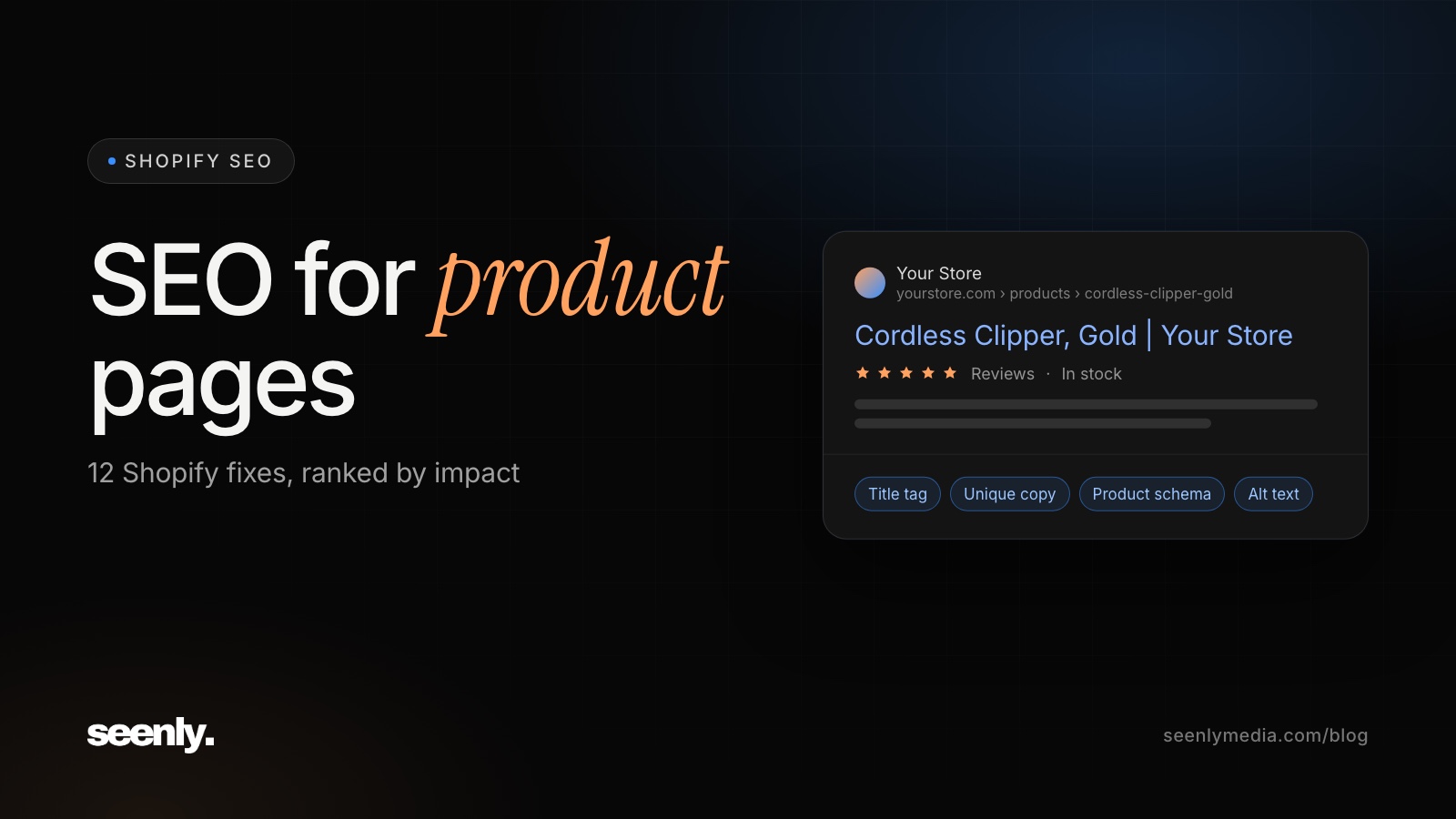
Most product pages don't fail at SEO because of some advanced ranking factor. They fail for boring reasons: Google can't find them, three URLs show the same product, or the only text on the page is the manufacturer's description that 40 other stores also use. This guide covers SEO for product pages in the order we fix things on real stores, starting with what blocks rankings completely and ending with the details that win rich results.
The steps are written for Shopify stores, with exactly where each setting lives in the Shopify admin. The principles apply to any store.
Product page SEO is the work of getting individual product pages to rank for the specific searches buyers make right before they purchase, like a model number, a product plus an attribute, or a product plus "price". The fixes that matter most, in order:
The rest of this post explains each one, plus five more that help once the basics are done.
A blog post usually targets one question and has plenty of unique text. A product page has the opposite problem. It is short by design, it often shares most of its content with other products, and stores create hundreds of near-identical pages at once.
Product pages also compete with your own category pages. The two should target different searches:
If both a category page and a product page target "cordless hair clippers", Google has to pick one, and it often picks neither well. Map each keyword to one page before you write anything.
Paste a product URL into the URL Inspection tool in Google Search Console. It tells you whether the page is indexed, which canonical Google chose, and whether anything blocks it. Then open the Page indexing report and look for product URLs listed under "Crawled, currently not indexed" or "Duplicate without user-selected canonical". Those two reasons account for most missing product pages.
On Shopify, your sitemap is generated automatically at /sitemap.xml and includes every published product. Submit it in Search Console. If a product you want indexed isn't in it, check that the product is active and available on your Online Store sales channel.
Duplicate URLs are the most common product page problem. On Shopify, the same product can appear at three kinds of address:
Shopify's default theme adds a canonical tag to the collection and variant versions that points to the main /products/ URL, so Google knows which page counts. What Shopify can't fix for you is your own links. If your theme's collection grids link to the /collections/ version, ask your theme developer to switch them to /products/ URLs. Only give a variant its own product page when people search for that variant by name, for example a specific color with real search volume.
Google finds and values pages through links. A product that only appears in your sitemap, with no links from collection pages, ranks poorly. Every product should belong to at least one collection that's linked from your navigation, and ideally be linked from related products and buying guides too. Products buried on page eight of a collection with no other links rarely rank.
Your internal product name and the buyer's search are often different. Buyers type brand, model, and the one attribute they care about. If people search "JRL Ghost clipper" and your product title is "Ghost Professional Series Cordless", you are leaving the exact-match term off the page. On Shopify, the product title is also the page's main heading, so use the searched name there, and in the URL handle.
On Shopify, scroll to the bottom of the product editor to the Search engine listing section and click Edit. That's where you set the title tag, meta description, and URL handle. A solid pattern for the title tag is: Product name + key attribute | Store name. For example, "JRL Ghost Cordless Clipper, Gold | Store Name". Keep it under about 60 characters so it doesn't get cut off. Start with your top 20 products by revenue, and write each title around the exact terms it already ranks for in Search Console.
If you change a URL handle, leave Shopify's "Create a URL redirect" box ticked so the old address keeps its rankings.
If you paste the supplier's description, your page says the same thing as every other store selling that product, and Google has no reason to rank yours. Rewrite it around what buyers ask before they buy:
Length matters less than coverage. A tight 150-word description that answers these questions beats 800 words of filler.
Specs inside an image are invisible to search. List dimensions, materials, battery life, model numbers, and compatible parts as real text on the page. Spec searches are long-tail and close to purchase, and they are easy wins.
Customer reviews add unique, regularly updated text in the words buyers actually use. A short Q&A section does the same. Make sure reviews load in the page's HTML, not only inside a third-party widget that search engines may not render.
Upload images with descriptive file names, such as jrl-ghost-clipper-gold.jpg instead of IMG_4482.jpg, and add alt text to each image in the product's media editor, describing the product and angle. Show several angles, the product in use, and scale. Shopify resizes images and serves modern formats automatically, but very large uploads still slow the main image. That ties directly to tip 11.
Product structured data tells Google your price, availability, and review rating, and makes the page eligible for richer search results. Most current Shopify themes add it automatically. Test a product URL in Google's Rich Results Test and check that it includes name, image, price, currency, availability, and reviews if you have them. Review and SEO apps sometimes add a second Product block, so make sure there is only one.
The common mistake is stale data. If the structured data says "in stock" at $49 and the page says "sold out" at $59, Google can ignore it. Generate it from the same data as the visible page, never by hand.
Google's Core Web Vitals set the bar: the main content should load within 2.5 seconds, the page should respond to taps within 200 milliseconds, and the layout shouldn't jump around as it loads. On Shopify product pages the usual culprits are apps loading scripts on every page, review and chat widgets, and oversized main images. Remove apps you don't use, and check your theme for code that uninstalled apps left behind.
Deleting a product page throws away every link and ranking it earned. Use this rule instead:
Avoid redirecting every removed product to the homepage. Google tends to treat that like a missing page anyway.
Seenly's founder owns and runs Modern Barber Supply, an ecommerce store for barber tools. It launched with no search presence in a category dominated by Amazon and large retailers. The work was mostly what this post describes: a keyword map built around what barbers search, collection and product pages rewritten to rank, and technical fixes from launch so new pages got indexed quickly.
According to Ahrefs estimates read in October 2026, organic traffic went from zero in October 2023 to roughly 1,233 visits a month, with 349 ranking keywords and 129 of them in the top three. These are third-party estimates, not internal analytics. You can read the full Modern Barber Supply case study.
Both, for different keywords. Category pages usually bring more traffic because they target broader searches. Product pages bring buyers who are closer to purchase. Most stores should fix category pages first, then their top 20 to 50 product pages by revenue.
Long enough to answer what buyers ask before they purchase, and no longer. For most products that is 150 to 400 words plus a spec list. Unique and useful beats long.
Rarely directly. Product pages mostly rank on the strength of your site and your internal links. Earn links to your homepage, category pages, and guides, then pass that authority to products with good internal linking.
Indexing fixes can show results within weeks. Content and ranking improvements usually take two to six months, depending on competition and how strong your site already is.
Open Search Console today and check how many of your product pages are actually indexed. That number tells you whether to start with Tier 1 or skip ahead to the content work. For the rest of your store, work through our Shopify SEO checklist and the ecommerce technical SEO audit.
If you'd rather have someone do it, see our packages or book a call and we'll tell you what we'd fix first on your store.