
Ecommerce technical SEO is where most stores lose traffic without noticing. The site looks fine and the products are good, but Google spends its time crawling filter pages, tag pages, and duplicate product URLs instead of the pages that make money. Nothing looks broken, so nobody fixes it.
This guide is a technical SEO audit you can run on your own Shopify store, in priority order. Each step starts with what to check, then what to do about it. Shopify handles more of this than most platforms, so we also say where you can relax and where the defaults leave gaps.
Ecommerce technical SEO is the work of making sure search engines can crawl, index, and understand a store's collection and product pages, without wasting time on the low-value URLs stores generate automatically. A store with 500 products, filters, tags, and variants can expose thousands of URLs. Half the job is getting good pages indexed. The other half is keeping the rest out of the way.
Check: visit your store in a private browser window. If you see a password page, Google does too. Then type the www, non-www, and myshopify.com versions of your address into the browser.
Fix: turn off password protection in Online Store, then Preferences. In Settings, then Domains, set your custom domain as primary so every other version redirects to it.
Check: Shopify generates your sitemap automatically at /sitemap.xml. Submit it in Google Search Console, then open the Page indexing report. Compare how many products and collections you have with how many are indexed, and look for indexed URLs you never meant to publish.
Fix: if many products sit under "Discovered, currently not indexed", Google knows about them but hasn't prioritized them. That usually points to weak internal linking or thin pages, covered below. If junk is indexed, the next steps show where it comes from.
Check: open yourdomain.com/robots.txt. Shopify's default file already blocks cart, checkout, account, internal search, and sorted collection URLs. It also blocks URLs that combine two or more filters. Single-filter URLs, such as a collection filtered by one color, are not blocked.
Fix: on Shopify's default theme, a single-filter page carries a canonical tag pointing to the unfiltered collection, so it usually doesn't compete with it. That's a reasonable default for most stores. Change it only if your Search Console shows filter URLs being crawled or indexed at scale. In that case you can add rules through a robots.txt.liquid template in your theme. Follow Google's guidance on faceted navigation, and test changes carefully, because a wrong rule can block whole collections. Third-party filter apps often use their own URL patterns, so check how yours builds filtered URLs before writing any rules.
If a filter matches real search demand, such as "black leather laptop bags", don't rely on the filter URL. Build a proper collection with its own title and copy.
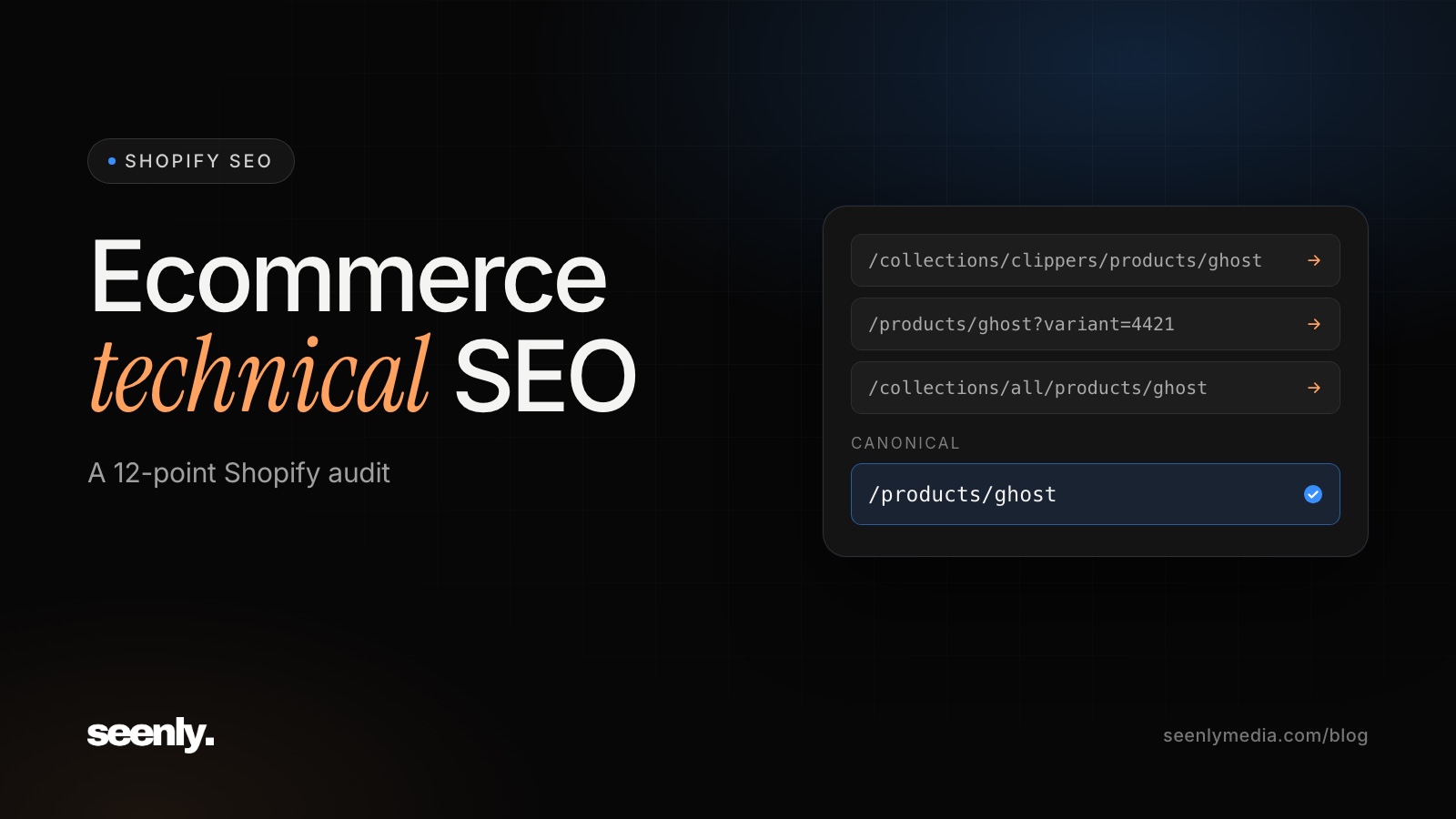
Check: Shopify can show a product at /products/name, at /collections/collection-name/products/name, and with a ?variant= parameter for each variant. View the page source on each version and find the canonical tag.
Fix: on Shopify's default theme, all of these canonical to the main /products/ URL, which is what you want. The remaining risk is internal links. If your theme's collection grids link to the /collections/.../products/ version, every grid sends Google a link to a non-canonical URL. Click a product from a collection page and check the address bar. If it includes /collections/, have the theme's product links changed to point at /products/ URLs.
Check: open page 2 of a large collection and view its canonical tag.
Fix: each paginated page should canonical to itself, which is how Shopify's default theme behaves. Some custom themes point every page to page one instead. Google's pagination guidance advises against that, because products that only appear on later pages can drop out of search. If your theme uses infinite scroll or a "load more" button, make sure plain page links still exist for crawlers.
Check: search Google for your domain plus "tagged", and look in Search Console for URLs under /blogs/ with /tagged/ in them, or collection URLs with tags appended.
Fix: most tag pages are thin lists that overlap with real collections. Keep them out of the index with a noindex rule in your theme or an SEO app. If a tag matches a real search, make it a proper collection instead.
Check: crawl your store with a crawler such as Screaming Frog, then compare the crawled URLs with your sitemap. Products in the sitemap that the crawl never reached have no internal links pointing to them. While you're there, list collections with fewer than three products.
Fix: make sure every product belongs to at least one collection that's linked from your navigation, and link to products from related products and buying guides. Merge or remove collections with only one or two products, and redirect their URLs to the closest remaining collection.
Check: the same crawl lists internal links that hit a 404 or pass through more than one redirect. On Shopify, chains usually build up when a product's handle is changed several times.
Fix: update menus, collection descriptions, and blog links to point straight at the final URL. In Shopify's URL redirects tool, point old redirects directly at the current URL instead of at another redirect.
Check: list deleted or archived products that still have backlinks or traffic, and check what their old URLs return.
Fix: keep temporarily out-of-stock products published, with a clear stock message and links to alternatives. When you delete a product for good, add a redirect to the closest replacement or collection. Don't send them all to the homepage. Google tends to treat that like a missing page anyway.
Check: test three products in Google's Rich Results Test: one in stock, one out of stock, and one on sale.
Fix: most current Shopify themes output Product structured data. Review and SEO apps often add their own as well, leaving two Product blocks that can disagree. You want exactly one, with price and availability matching what the page shows. Google's Product structured data documentation lists the required fields.
Check: open the Core Web Vitals report in Search Console. It groups URLs by template, so you can see whether collection pages, product pages, or both are failing. Shopify's web performance report in Analytics shows the same metrics from real visitors.
Fix: Google's Core Web Vitals targets are main content loading within 2.5 seconds, a response to taps within 200 milliseconds, and minimal layout shift. On Shopify, the usual causes are apps loading scripts on every page, heavy themes, and large banner images or videos. Removing one unused app, and the code it left in your theme, often does more than any other speed fix.
Run this audit again after every theme change, new filter or review app, migration, or large product import. Those are the moments when duplicate links and conflicting structured data come back.
Partly. Shopify gives you SSL, an automatic sitemap, canonical tags on duplicate product URLs, and a robots.txt that blocks carts, checkout, and internal search. You still need to manage theme links, tag pages, redirects, app bloat, and duplicate structured data.
A full audit every quarter, and a quick look at the Search Console Page indexing report every month. Always run one after a theme change or migration.
Google Search Console is free and covers most of it. Add a crawler such as Screaming Frog to find orphan pages, broken links, and redirect chains. Its free version crawls up to 500 URLs, which covers many smaller stores.
Indexing changes usually show in Search Console within a few weeks. Ranking and traffic gains typically take two to six months, depending on how much was fixed and how competitive your collections are.
If you only do one thing this week, open the Page indexing report and compare what Google indexed with what you meant to publish. The gap tells you which part of this audit to start with. For the basics in order, see our Shopify SEO checklist. For the content side, see our guide to SEO for product pages.
Want us to run the audit for you? See our SEO packages or book a call.